

If you use Binance, the phenomenon of the Binance chart not showing up sometimes occurs. We will find out how to quickly and easily solve the problem of the chart window or order book not being visible.
💰 Binance Taker Fee Free, 60% Market Fee Discount MethodHow to Fix the Binance Chart Not Showing Up
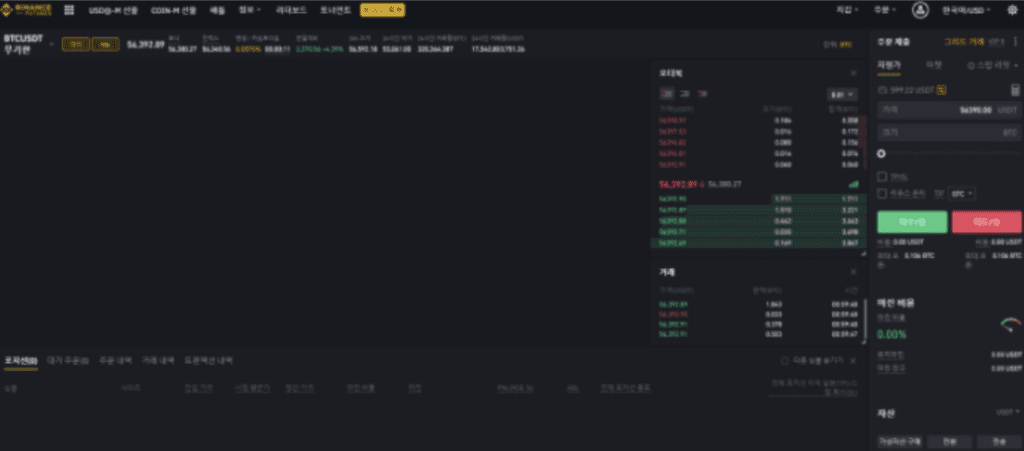
If the chart window or order book is not visible on the Binance site (as shown in the image above), you could lose money by not being able to sell or buy on time, so it is best to solve the problem quickly.
There are two main ways to solve the problem of the Binance chart not showing up.
Resetting the Binance Chart
The method for resetting the Binance chart is very simple.
You can do this by [Right-clicking] on the chart and then clicking the [Reset Chart] button.
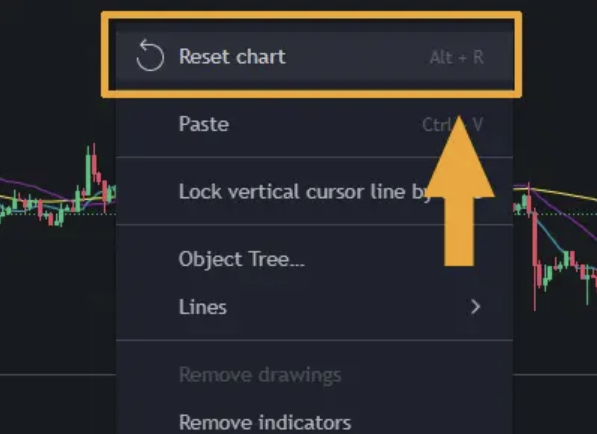
Alternatively, pressing the shortcut key [Alt + R] also allows you to reset the chart.
Clearing Chrome Cache and History
If you reset the Binance chart but it is still not visible, the problem might be with the internet itself.
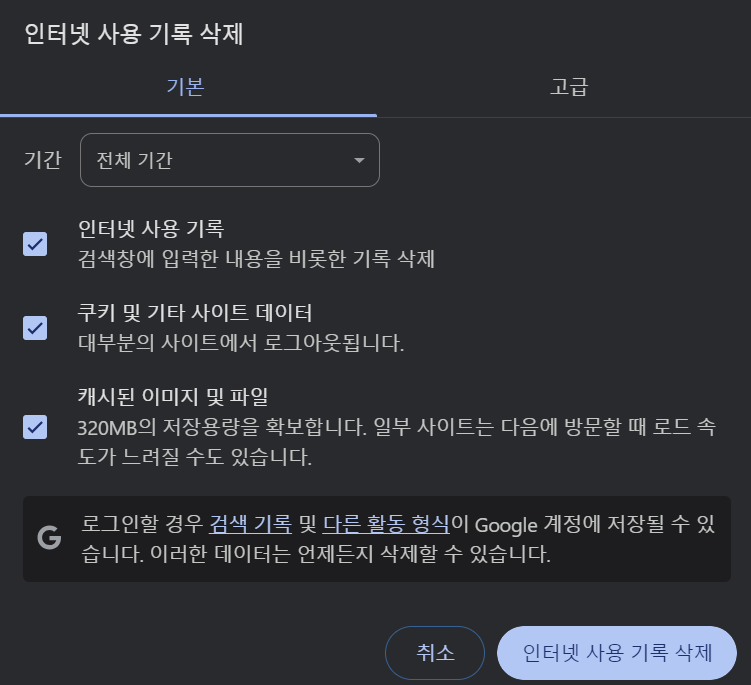
In this case, you can clear the history and usage data of the Chrome browser.
1. Click the [Ctrl + H] button on the Chrome screen to access the browsing history.
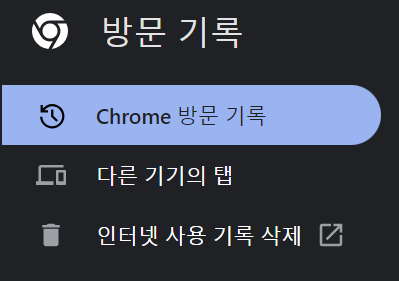
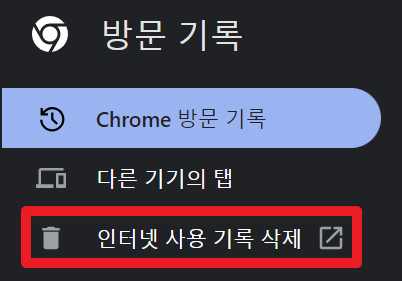
2. Click the [Clear browsing data] button, then delete all browsing history, cookies, and cache to fix the error.
If this was helpful, please check the article below for how to get free Limit orders and a 60% discount on Market trading fees on Binance.
If Binance Trading Volume is Not Visible
There are times when the trading volume is not displayed on the Binance site besides the chart. We have summarized the solutions for 3 common trading volume display errors in the article below, so please check it out.
This concludes our guide on how to fix the Binance chart not showing up. Thank you.
Binance Usage Guide
We have gathered all the previously compiled exchange usage guides and Q&A into a roadmap for easy viewing. Please bookmark and use it.
[Check Crypto Exchange Usage Guide]