

Many people are curious about how to do Binance paper trading. In this article, we will find out how to do paper trading through the Binance Testnet.
If you are using Binance but are not yet receiving the maximum trading fee discount, please make sure to check the article below.
💰 Binance Taker Fee Free, 60% Market Fee Discount MethodHow to Do Binance Paper Trading
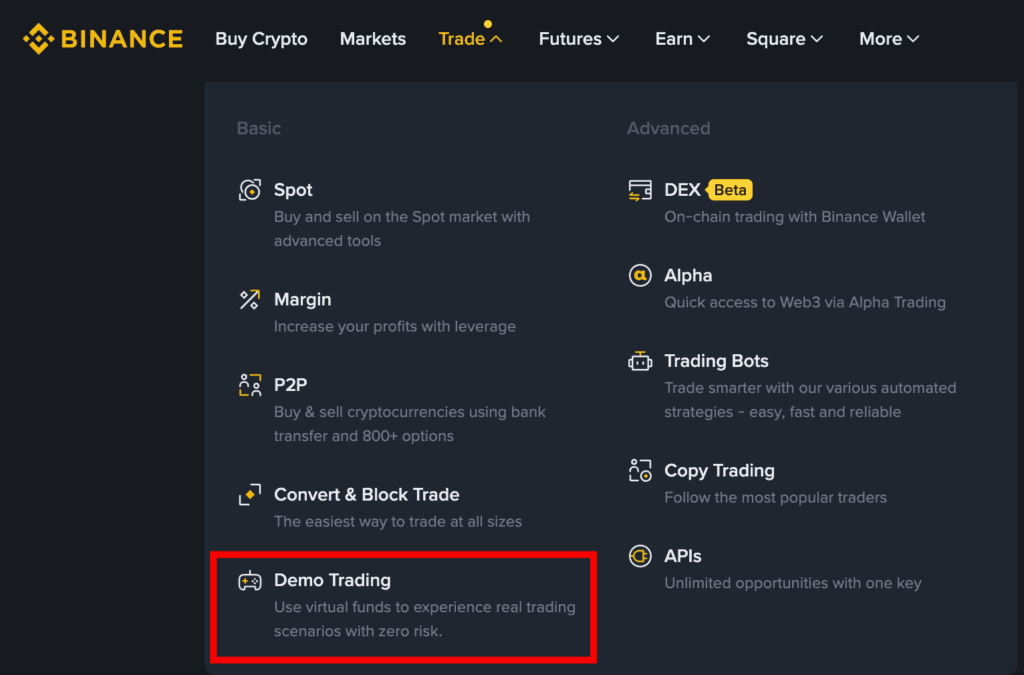
1. Log in to Binance and click Demo Trading under Trade.
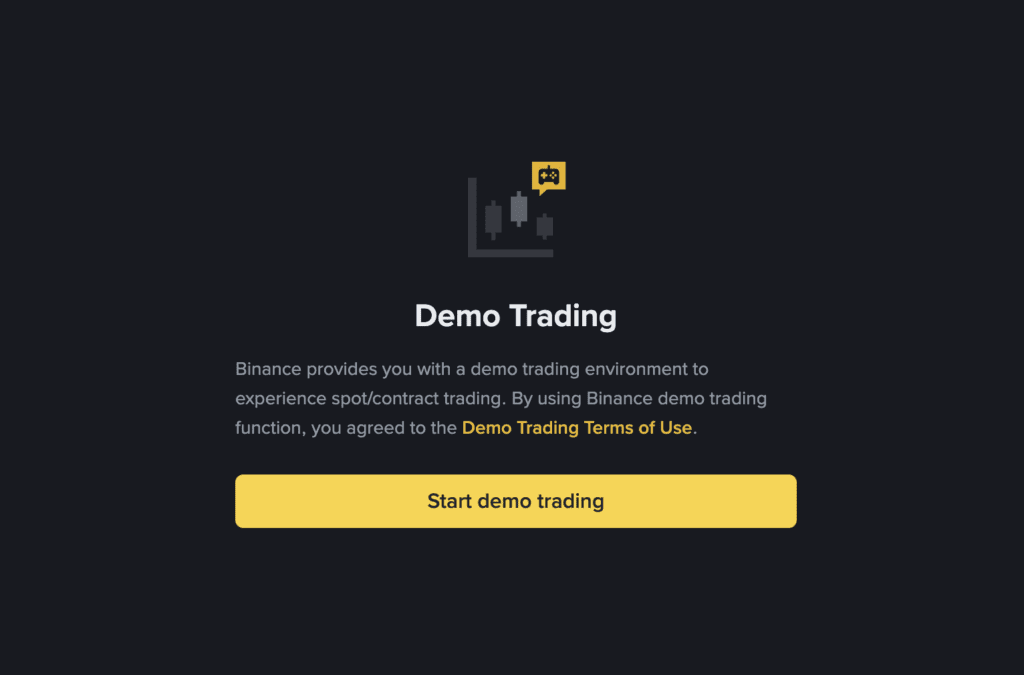
2. Click Start Demo Treading.
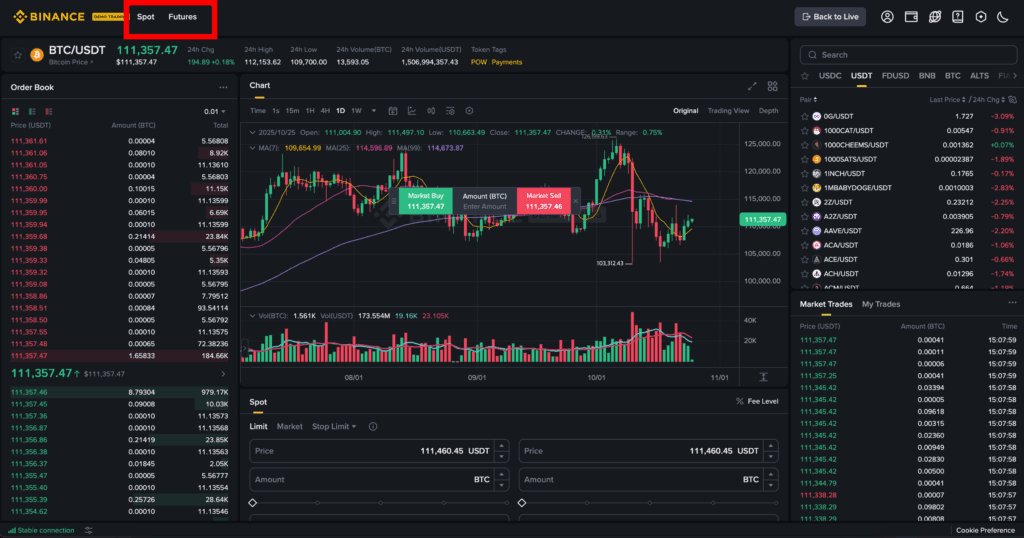
3. You can select Spot or Futures from the top left. Option trading is not available for demo trading.
4. We will look at Binance Futures paper trading as an example.
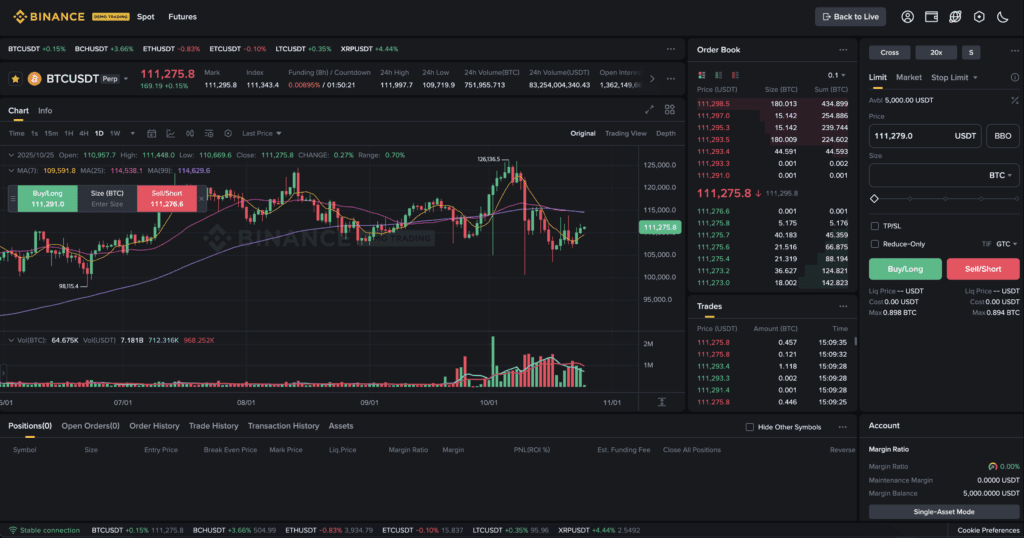
When you first sign up for the Testnet, you will receive 5,000 USDT in virtual money. You can place orders, sell, and buy just as you would with actual Binance usage.
Paper trading is generally used for practice before actual trading, or for testing an automated trading bot before using it in live trading.
How to Exit Binance Paper Trading
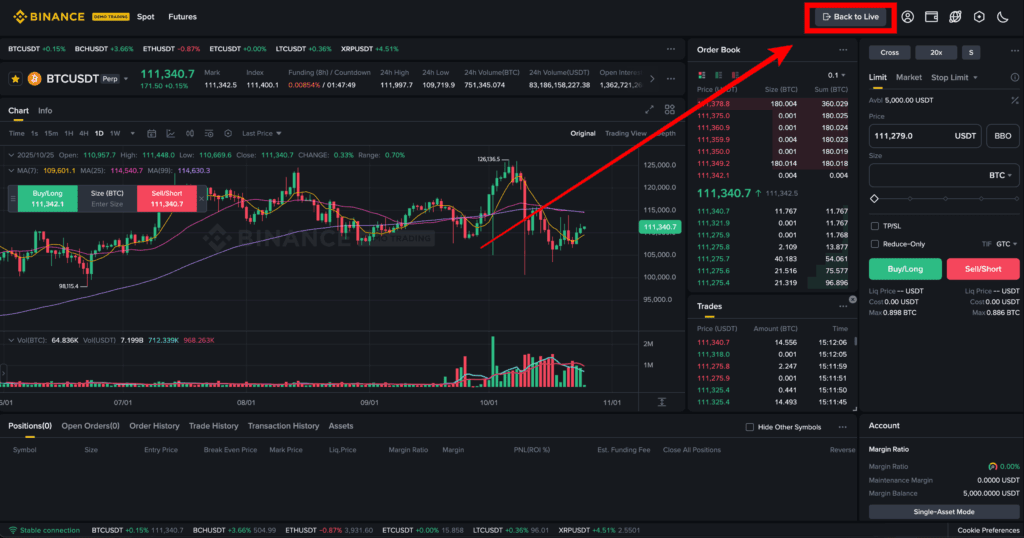
If you look at the top right, there is 'Back to Live'. Clicking this button will switch you from paper trading back to live trading.
How to Use Binance API
API stands for Application Programming Interface. Simply put, it is a service that provides programmatic trading through coding.
You can use the Binance paper trading API to perform algorithmic automated trading through coding. Please refer to the article below for how to use the Binance Testnet API.
Binance Usage Guide
We have gathered all the previously compiled exchange usage guides and Q&A into a roadmap for easy viewing. Please bookmark and use it.
[Check Crypto Exchange Usage Guide]